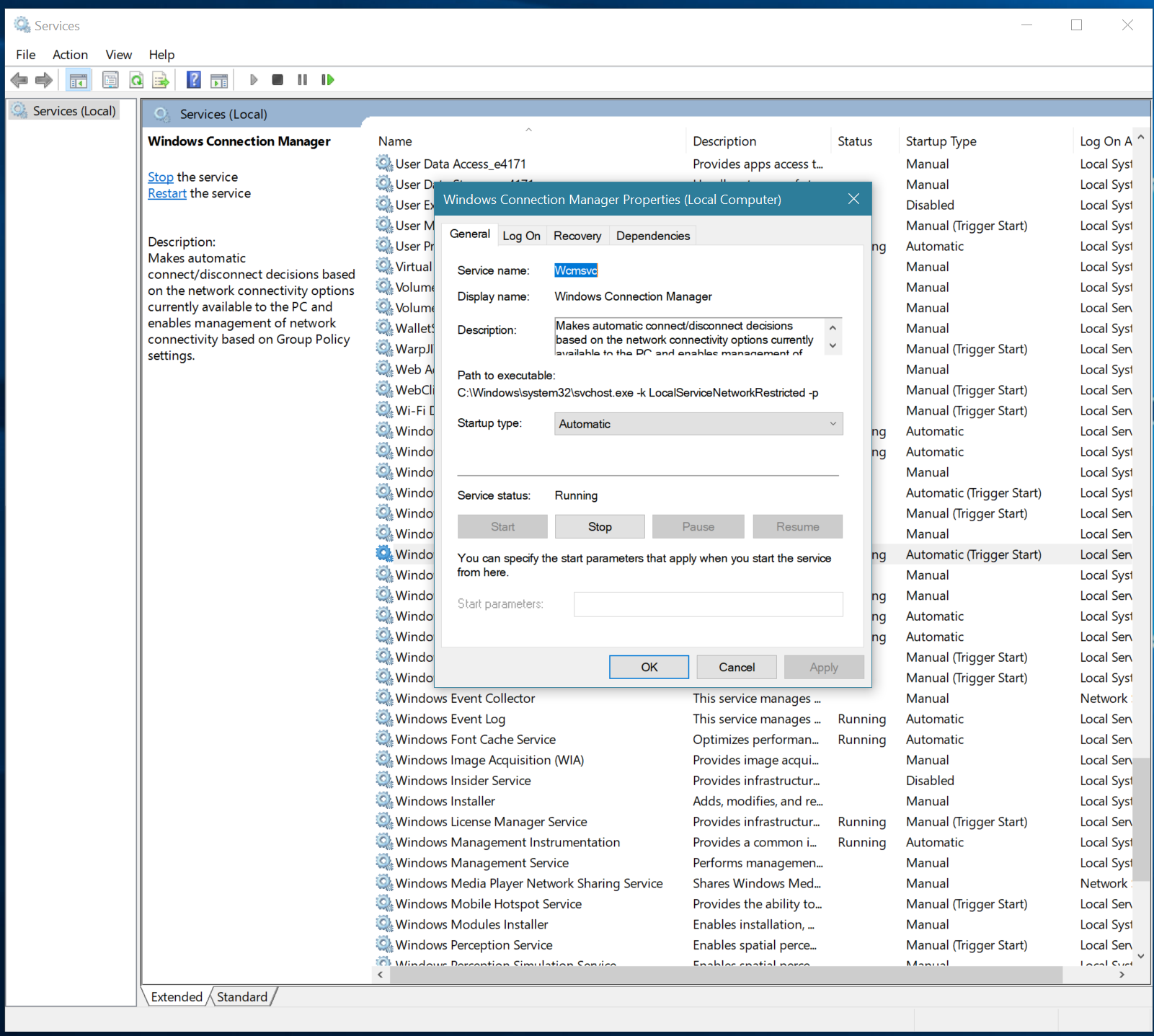
If you go to (Settings > Network & Internet) area and Ethernet is not available in that list or if you visit (Settings > Network & Internet > Status) and (Change Connection Properties) link has no reaction, the problem is in the Windows Connection Manager service it was set to Manual from Auto by me in recent past, set it back to Auto from Disabled or Manual and problem solved.
The original State of This Service