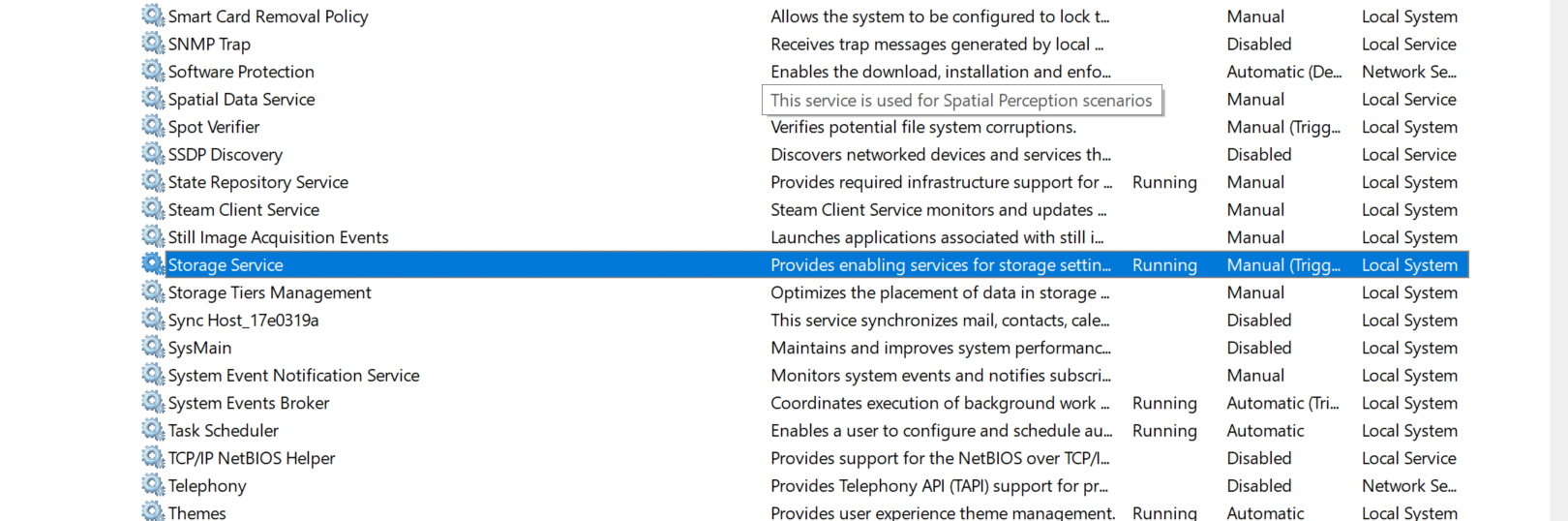
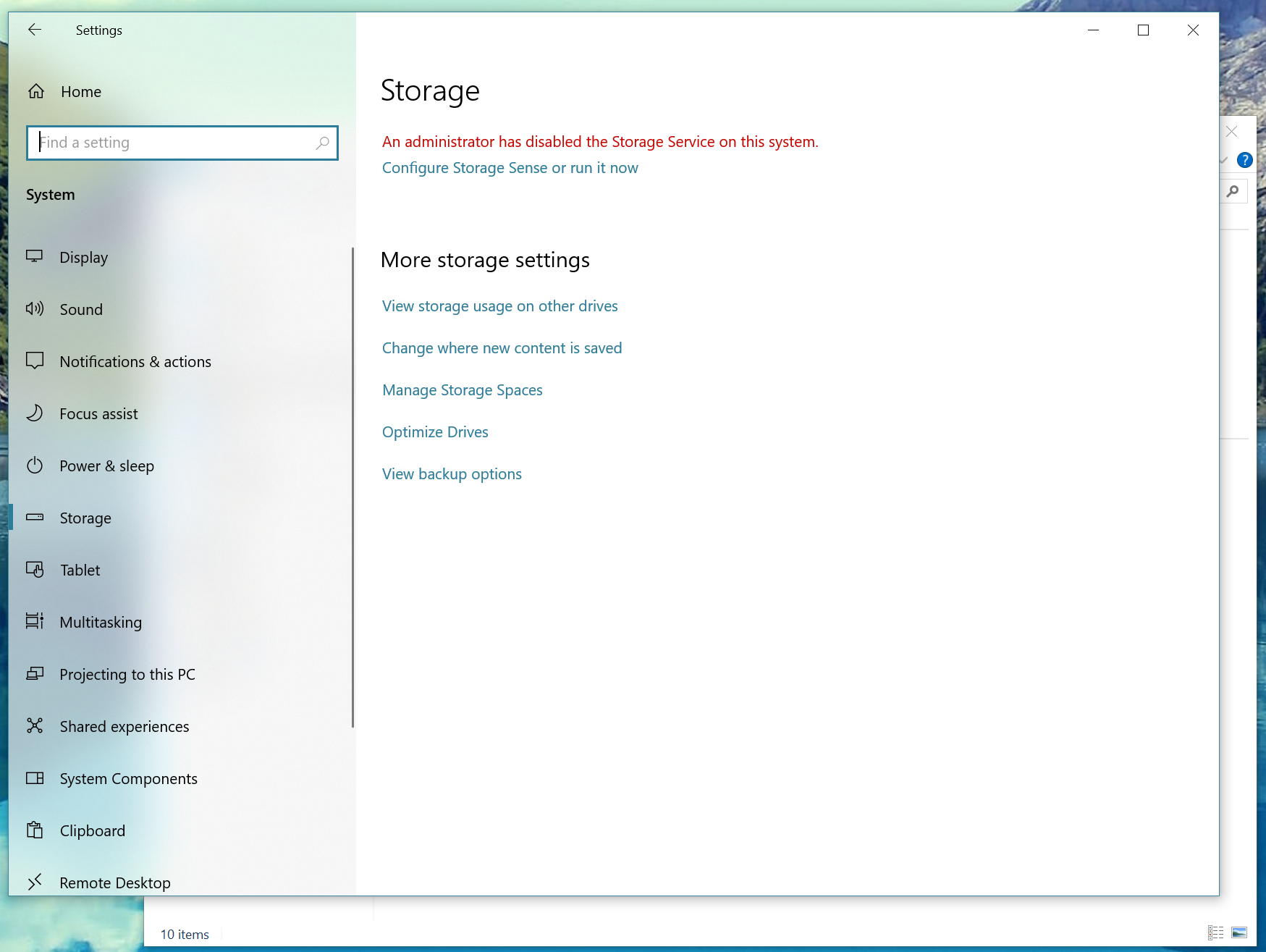
If you ever have such situation that when you go to (Windows Settings > System > Storage) and you can’t manage this area, this is caused by an issue with Storage Service, the service is not running, disabled or missing, to resolve this issue enable it back from disabled state.
However if this service is missing, try running (sfc /scannow) from Command Prompt as Administrator.
OS: Windows 10
The Issue
The Solution